SIBC Mailing List
Temple Email List
The temple mailing list is managed via a Google group.
Once you are added to the list, you will start receiving emails from the sibc-members@googlegroups.com address.
This is only used for announcements from the temple.
Frequently Asked Questions
I have signed up but I don’t seem to receive any emails from the temple?
It seems for some of you, these emails are marked as spam. To avoid this, follow the steps below
- Search the spam folder and mark the temple emails as not spam.
- Add the mailing list address and the temple email address (the sender) as contacts.
Gmail
Following images show how to apply these instructions for gmail.
- Enter the following text to the search bar
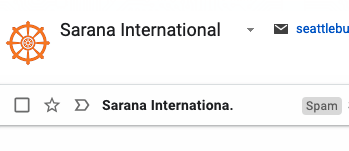
in:spam sibc-members@googlegroups.com - if there are emails that show up with the spam tag, click one of them.
- Using the top banner, mark the email as not spam.
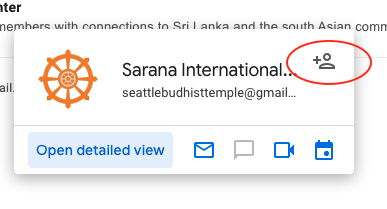
- Additionally, hover over the email sender details and add the email address to the contacts list

Other email providers
- For outlook.com See this Microsoft support article